Feature spotlight
Every bottle, for the whole family to see
Log a bottle in seconds, see when your baby last ate, and follow the day and the week, whoever gave the feed.

It's three in the morning and the baby is crying. Was the last bottle at eleven, or did your partner give one at one? And did she finish it?
Intake in DaiTrace is one shared log of your baby's bottles. Whoever gives a bottle logs it in a few seconds, and the rest of the family sees it straight away: when the baby last ate, how much, and how the day is going. No notes on the fridge, and no "did you feed her?" whispered across the landing.
How it works
Choose who's tracked
Open Intake. On a phone it's under More at the bottom of the screen; on a tablet it's in the menu down the side. The first time, tap Track next to your baby's name.
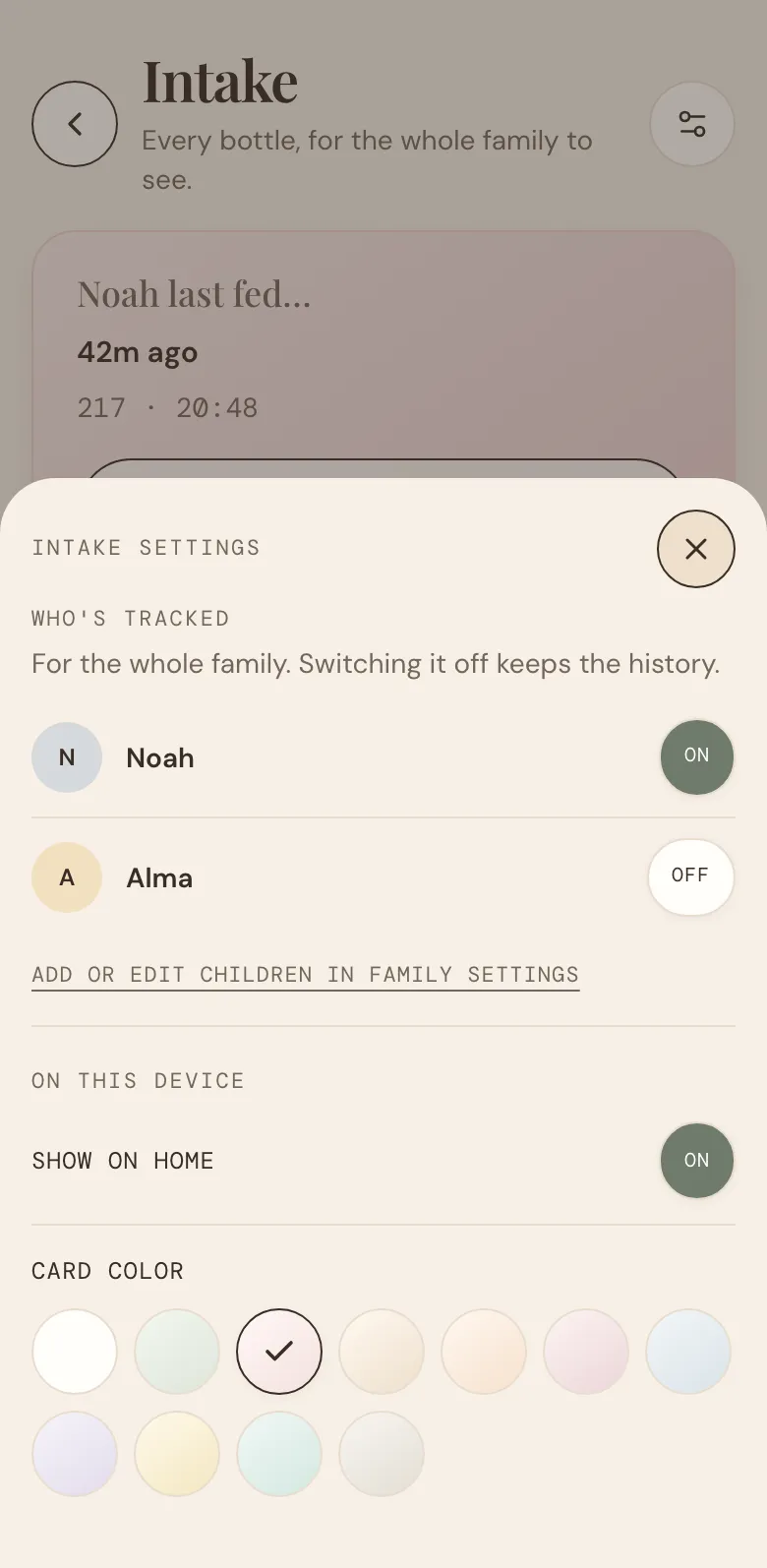
To change it later, tap the settings button at the top right of the page and look under Who's tracked. It's for the whole family, and switching a child off keeps their history. Children are added under Profile, in Family.
Log a bottle
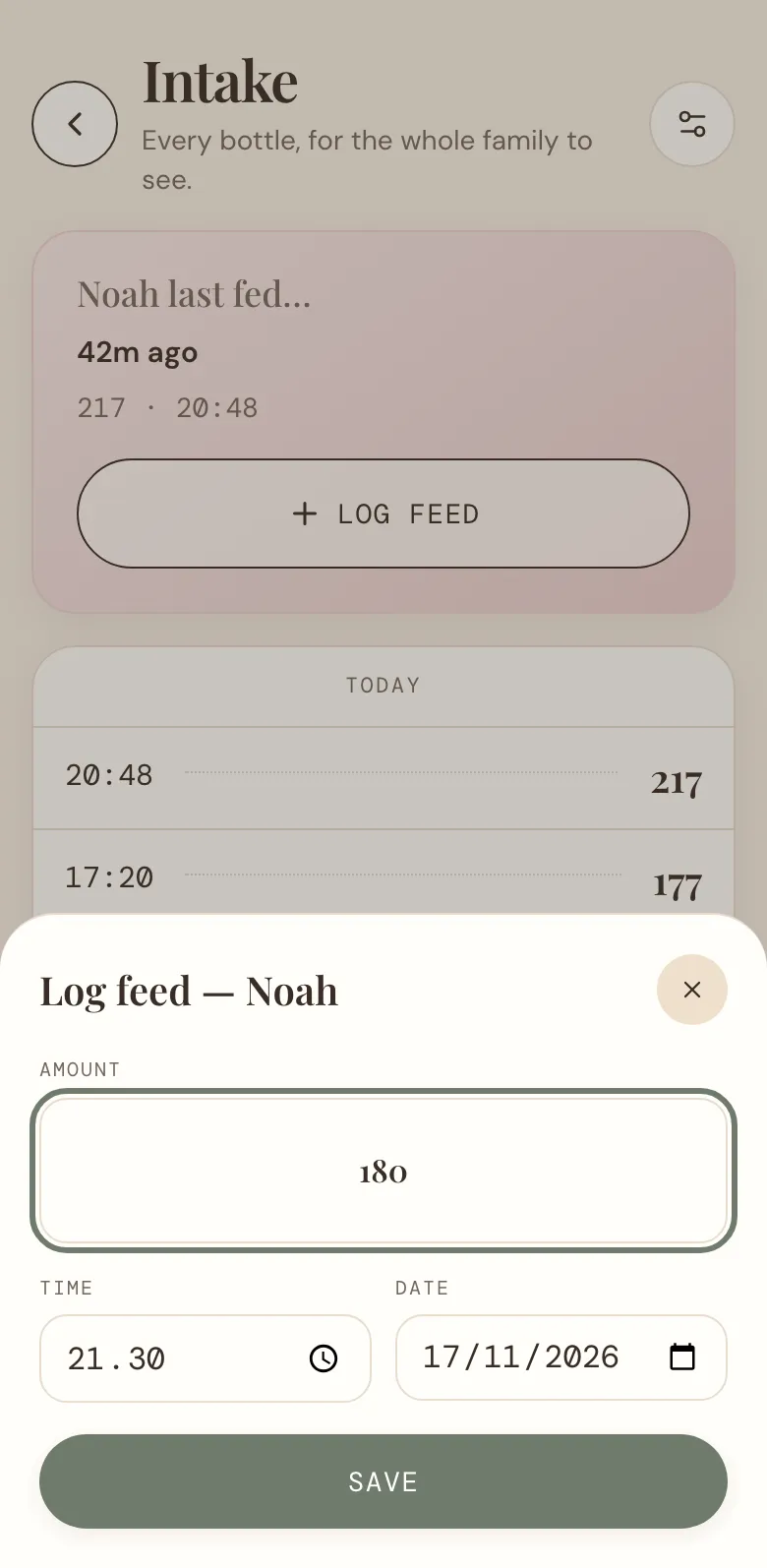
Tap Log feed, write how many ml the baby drank, and tap Save. The time and date are already set to now. Logging the bottle you gave an hour ago? Change the time first.
See when they last ate
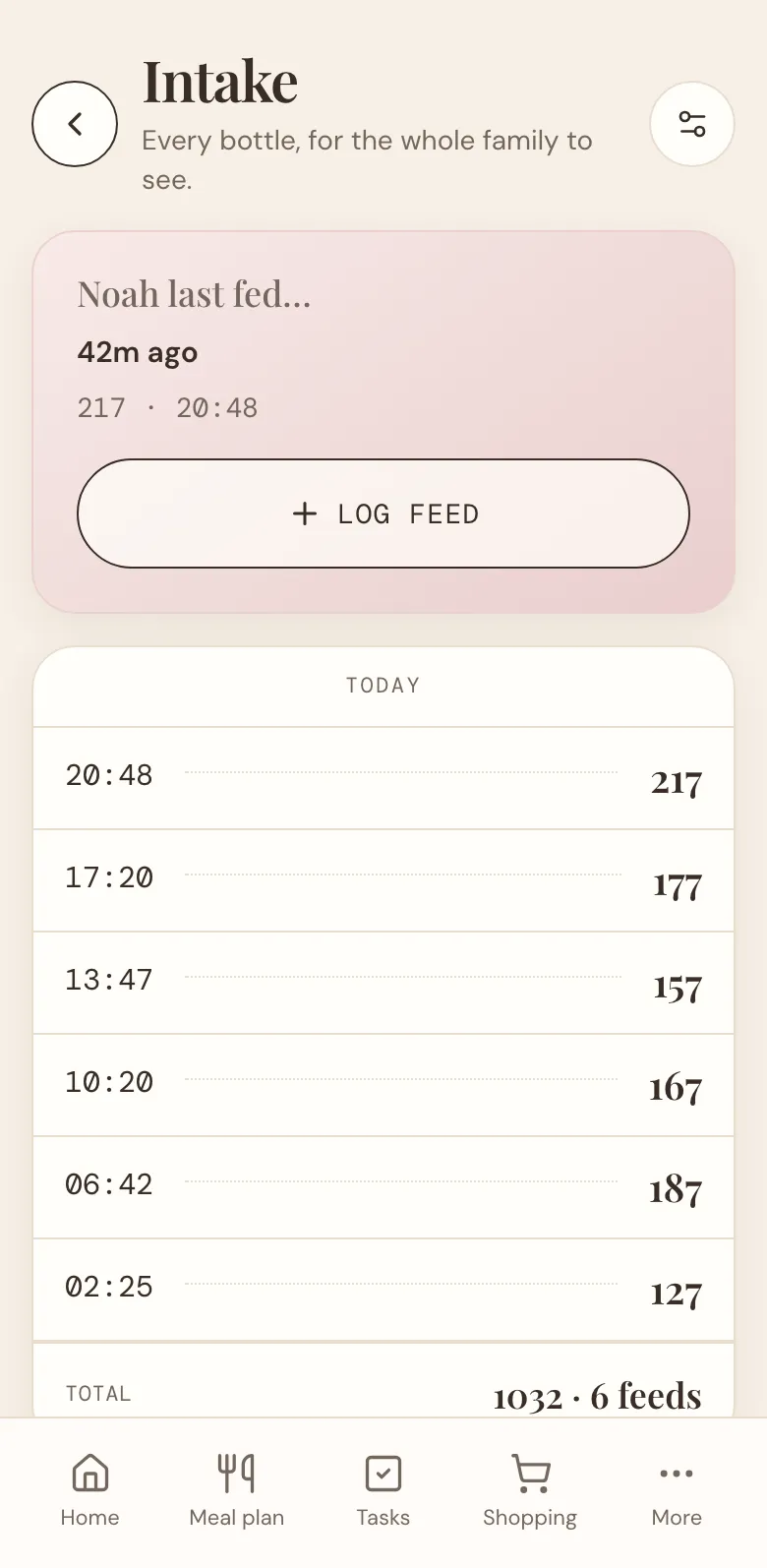
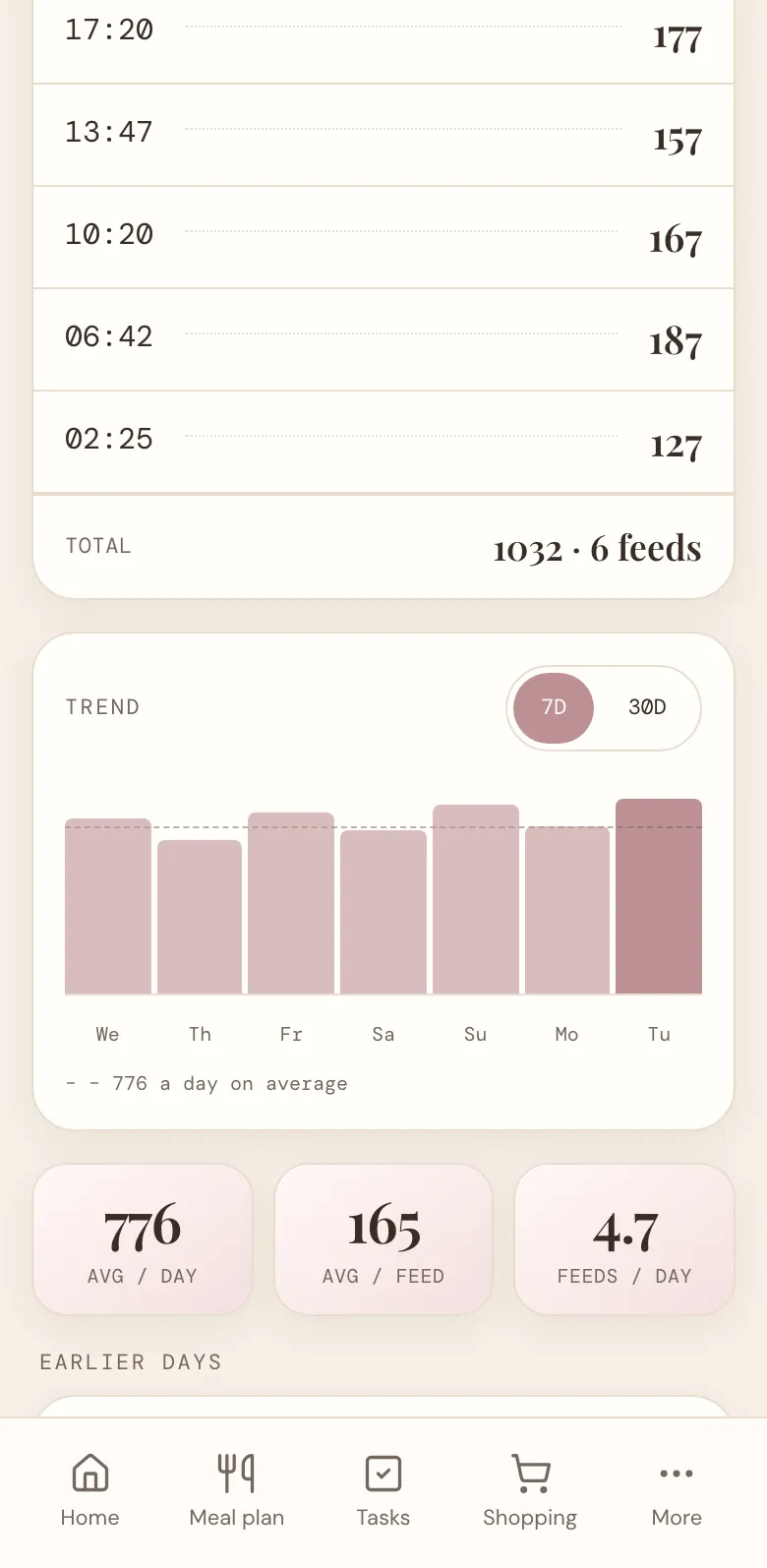
The top of the page shows how long it's been since the last bottle, with its amount and time. Under it, Today lists every bottle so far today, with the day's total in ml and the number of feeds.
Fix a mistake
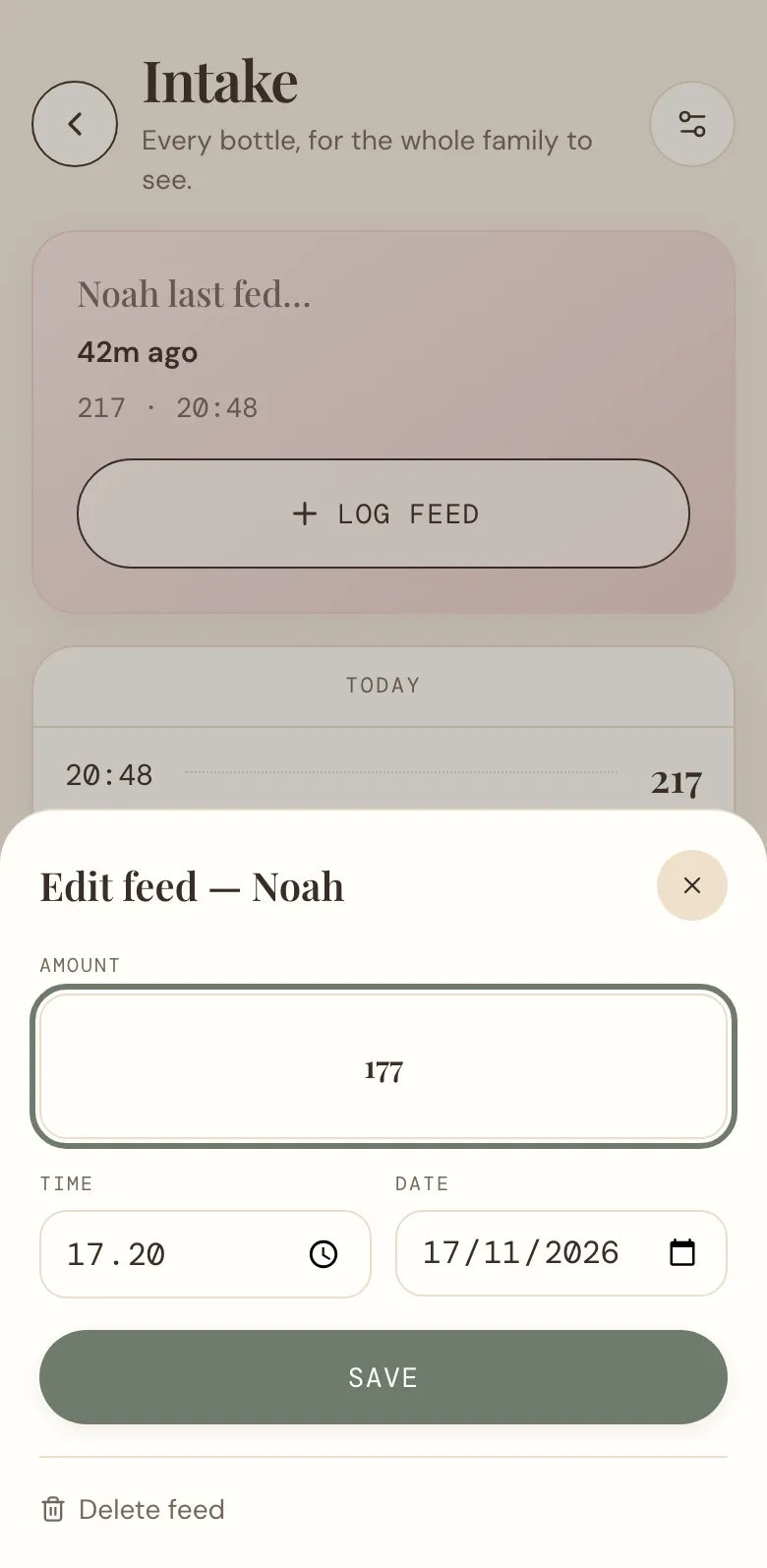
Typed 210 instead of 120? Tap the feed in the list, change the amount, the time or the date, and tap Save. Logged the same bottle twice? Tap Delete feed at the bottom.
Follow the week
Scroll down to Trend. Each bar is one day's total, with a dashed line for the average, and you can switch between the last 7 and 30 days. Under it are the average per day, the average per feed, and how many feeds a day.
Further down, Earlier days lists the days before today. Tap one to see its bottles, and tap a bottle to change it.
Tracking more than one child, twins for example? Then there's a button for each of them at the top of the page. Tap one to see their feeds.
On Home and the Kitchen screen
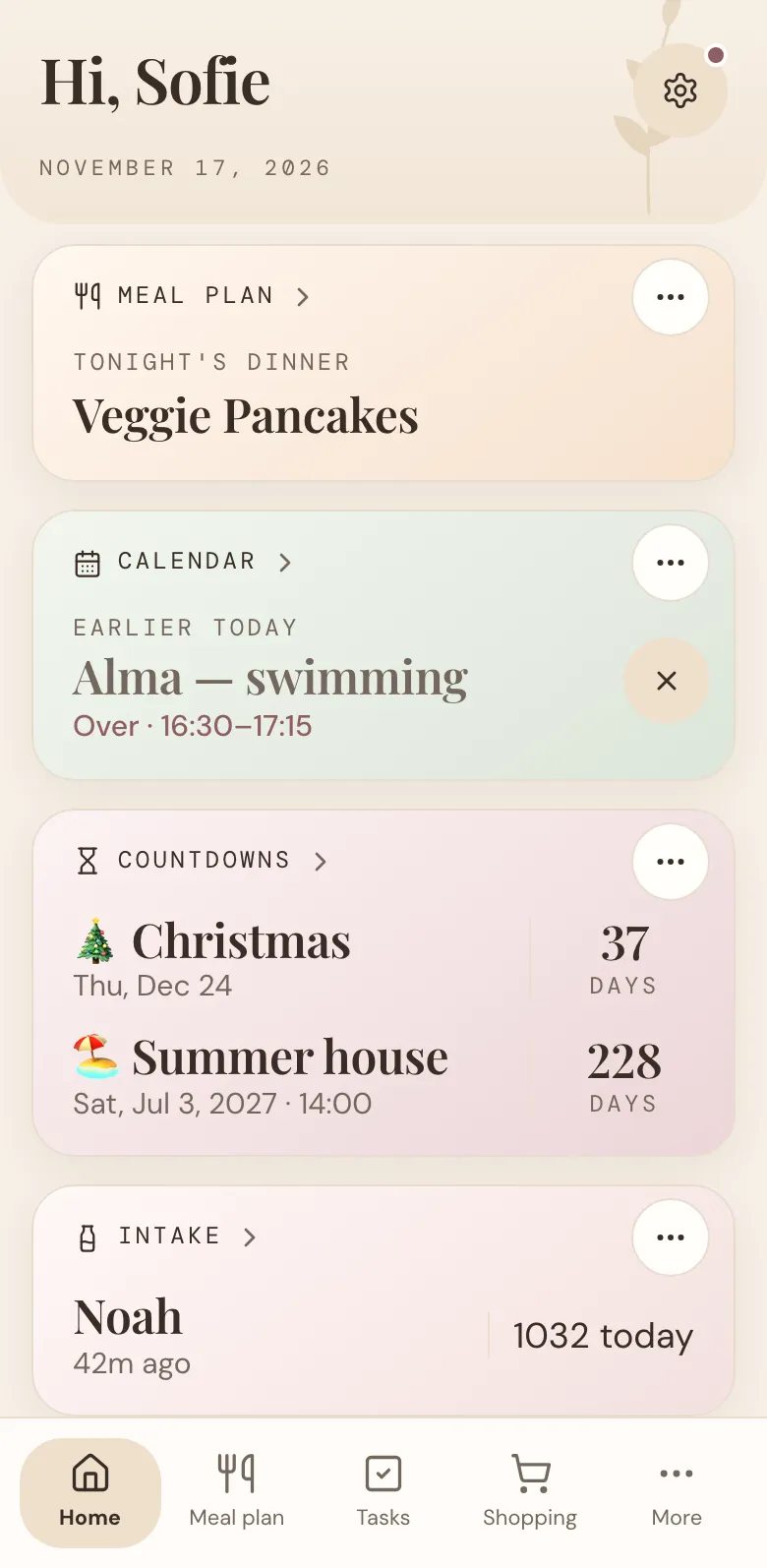
The Intake card on Home shows each tracked child, how long since they last ate, and today's total. Tap it to open Intake. Tap ⋯ on the card to hide it on this phone or give it a colour of its own. You can turn it back on in Intake's settings, under On this device.
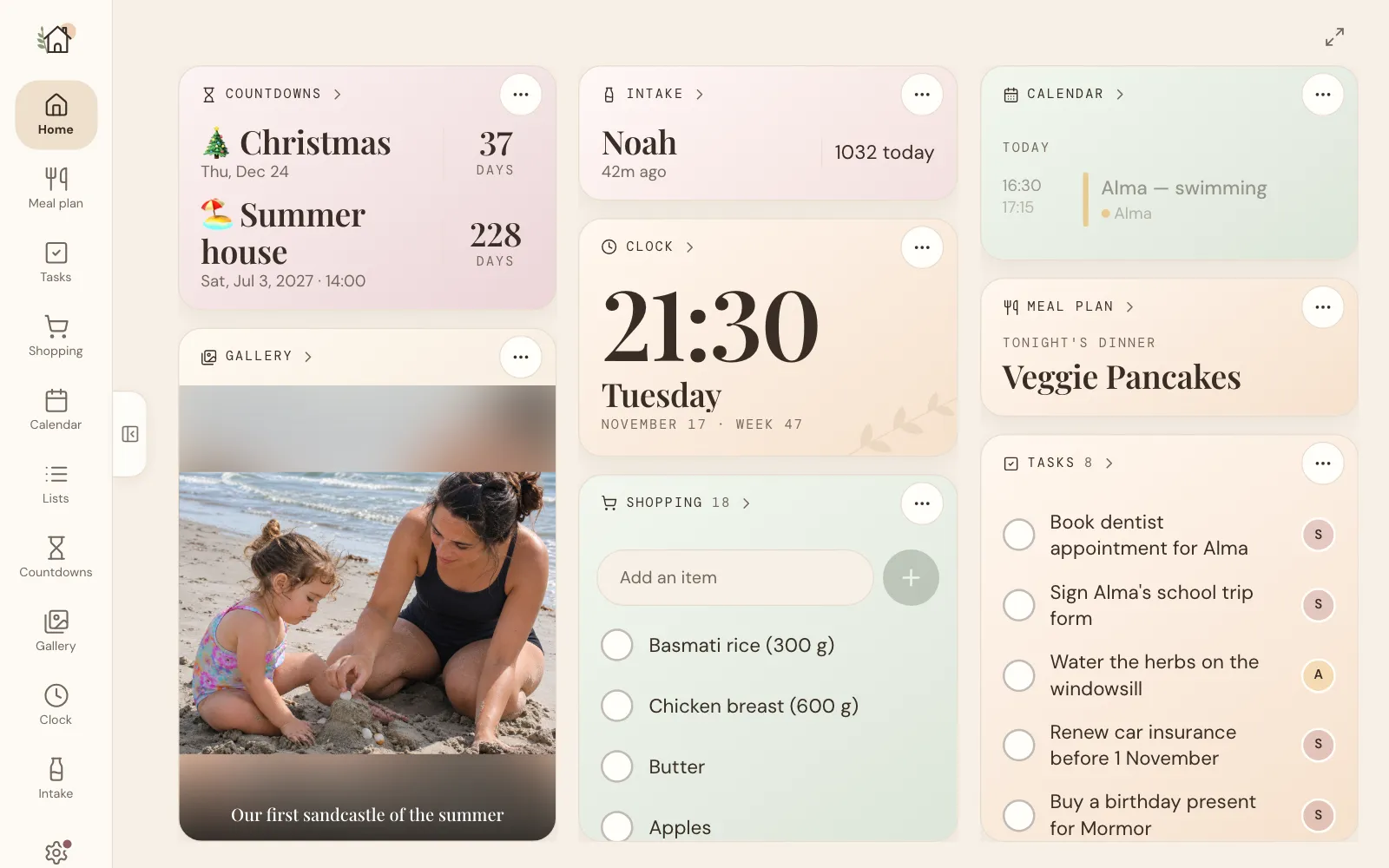
If you have a tablet in the kitchen with the Kitchen screen switched on (under Profile, on the tablet), the Intake card is on the board too. Whoever is warming the next bottle can see at a glance when the last one was, without opening anything.
Getting the most out of Intake
- Log it while the bottle's still in your hand. It only takes a few seconds.
- Log the night feeds too. The three o'clock bottle is the one nobody remembers in the morning.
- Everyone logs on their own phone. Whoever gives the bottle writes it down, so nobody has to report back to anyone.
- Bring the numbers to check-ups. When the health visitor asks how much the baby drinks, the average per day is right there.
- Switch it off when the bottles stop. Under Who's tracked, switch your child off. The card leaves Home, and the history stays.
Intake is under More, at the bottom of the screen. Log the next bottle, and see who looks first. And if there's something you'd like Intake to do, tell us.
More news
All news
Feature spotlight
One shopping list for the whole family
Add what's run out the moment you notice, tick it off in the shop, and let the week's dinners fill the list for you.

Announcement
Your Home, your way: move or hide any card
Drag the cards on Home to a new place, and hide the ones you don't need. Each phone and kitchen tablet keeps its own setup.